What Is a Storyboard? Panels, Shots and How to Make One
· 4 min
In short: Before a camera rolls, many films exist as rows of rough sketches pinned to a wall. A storyboard turns a script into pictures, and it works just as well for a family video as for a feature.
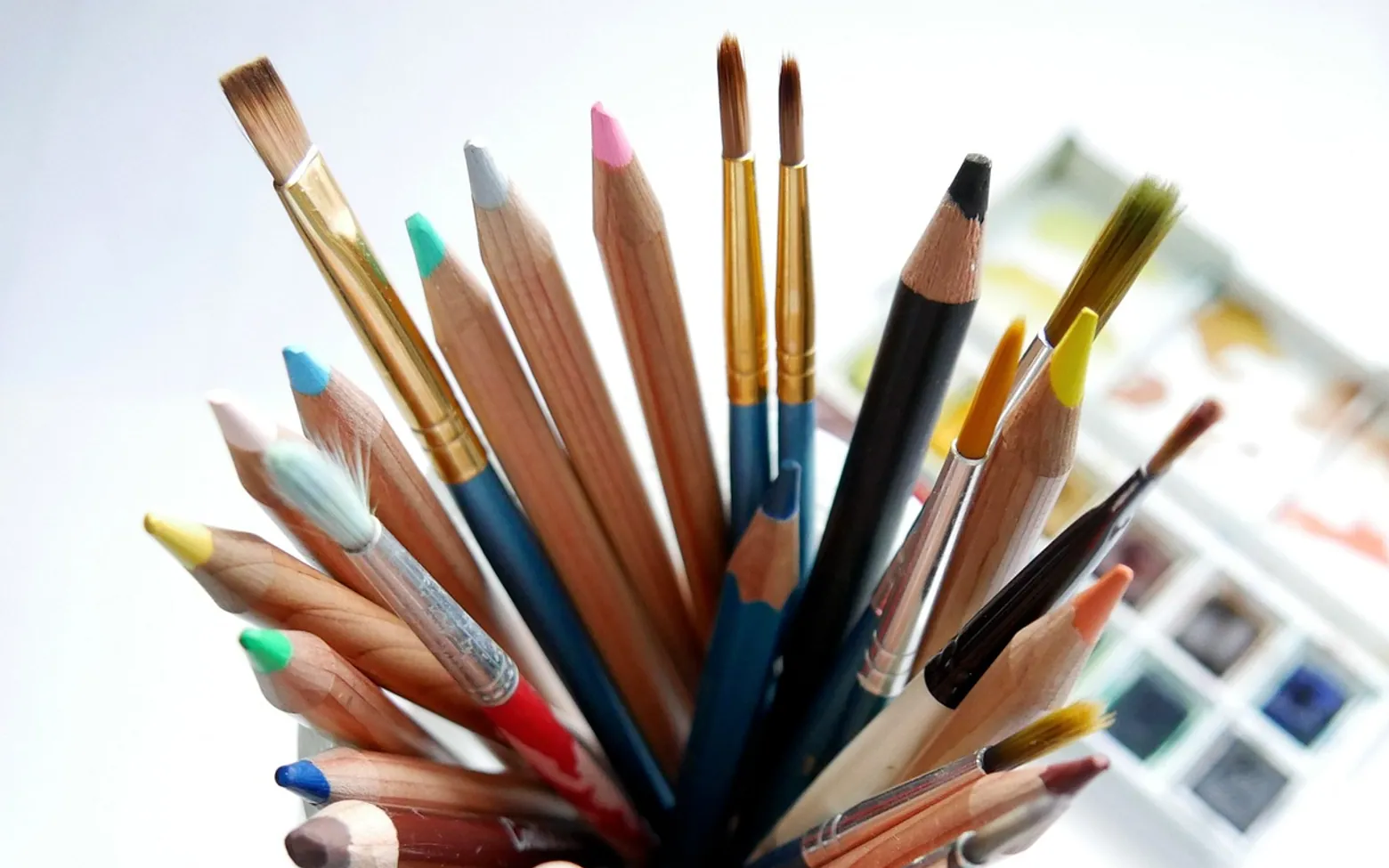
A storyboard is a series of drawings, laid out in order like a comic strip, that shows how each shot of a film, advert, animation or video will look before anything is filmed. Each panel sketches what the camera sees, and notes beneath it describe the action, the dialogue, any camera movement and roughly how long the shot lasts. It is a planning tool: cheaper to change a pencil drawing than to reshoot a scene.
Where storyboards came from
The technique is usually credited to Walt Disney's studio in the early 1930s, where story artists pinned sequential sketches to boards on the wall so the team could see a cartoon's flow at a glance and rearrange it. Live-action filmmakers soon adopted the idea for complicated sequences, and today storyboards are used across animation, feature films, television, commercials, music videos and games.
What a storyboard panel contains
Styles vary from polished artwork to stick figures, but most panels carry the same information:
- The frame. A box drawn in the shape of the final picture, with the key figures and objects placed where the camera will see them.
- A shot number. So the board lines up with the script and the schedule.
- Shot size. Wide, medium or close, often written in shorthand such as WS, MS or CU.
- Movement arrows. Arrows inside the frame for characters moving; arrows outside it for camera pans, tilts or dolly moves.
- Action and dialogue. A line or two on what happens and what is said.
- Sound and timing. Music cues, effects and an estimated duration.
The shots you will draw most
| Shot | What it shows | Typical use |
|---|---|---|
| Establishing or wide shot | The whole location with characters small in frame | Opening a scene, showing where everyone stands |
| Medium shot | A person from roughly the waist up | Conversation, everyday action |
| Close-up | A face or a single object filling the frame | Emotion, important details |
| Over-the-shoulder | One character seen past another's shoulder | Dialogue between two people |
| Point of view | What a character sees | Putting the viewer in someone's place |
| Insert | A tight shot of a prop, a screen or a hand | Letters, phones, clues, small actions |
Storyboard, shot list, script or animatic?
These planning documents work together rather than replacing each other.
- Script: the words, describing scenes, action and dialogue.
- Storyboard: the pictures, showing how those scenes will be framed shot by shot.
- Shot list: a practical table for the shooting day, listing each shot with its lens, location and equipment, often without drawings.
- Animatic: the storyboard panels edited together with rough sound and timing, so the sequence can be watched as a crude moving draft.
How to make a storyboard
- Start from a script or outline. Even a short video benefits from a few written lines describing what happens in each scene.
- Break scenes into shots. Read each scene and note every change of camera position or framing. Each change becomes a panel.
- Pick a frame shape. Draw boxes in the aspect ratio you will shoot in, usually a 16:9 rectangle for video or a tall 9:16 box for vertical phone clips. Cinema formats vary, as the comparison of IMAX and regular cinema screens shows.
- Sketch thumbnails quickly. Stick figures, simple shapes and arrows are enough. Speed matters more than polish at this stage.
- Add notes under each panel. Action, dialogue, sound and estimated length.
- Number everything. Use scene and shot numbers so panels can be reordered without confusion.
- Review the flow. Lay the panels out in order, or turn them into a simple animatic, and look for jumps, repeated angles or missing moments.
Paper templates with printed frames work well, and so do sticky notes on a wall, which make reordering easy. Drawing apps and dedicated storyboard software add layers, camera presets and export options, though none of that is needed to start.
Common mistakes
- Drawing too carefully and running out of time before the board is finished.
- Forgetting the frame shape, so compositions do not fit the final picture.
- Leaving out camera movement, which is often the hardest thing to explain verbally on set.
- Planning only the picture and ignoring sound; footsteps, doors and background noise all need thinking about, and how Foley sound is made explains why many of those are added later.
- Treating the board as fixed. It is a plan, and good shoots adapt it.
Storyboards for everyday video
The same method helps with a birthday montage, a holiday film, a product demo or a channel's next upload. Even six rough panels on a single sheet keep a short video focused and save time in the edit. Creators planning regular uploads often storyboard intros and recurring segments once, then reuse the layout; the wider picture of marketing a channel on YouTube covers what happens after the video is finished.
Common questions
Do you need to be good at drawing?
No. Plenty of working boards are drawn with stick figures and arrows. Clarity matters more than artistry, and labels can explain anything the drawing does not.
How detailed should a storyboard be?
Detailed enough that someone else could understand each shot without you in the room. Complex action, effects and stunts deserve more panels; a simple conversation may need only a few.
Is a storyboard the same as a comic?
They look alike, but a comic is the finished product, while a storyboard is a set of instructions for making something else.
Making it stick
Ways to keep seasonal jobs from piling up
Ideas for turning a long list into a habit that lasts the whole year.
Tie jobs to dates you already know
Changing the clocks or the first school week makes a handy reminder for alarms, filters and descaling.
Keep supplies in one caddy
A single box with gloves, cloths, baking soda and vinegar means no hunting before you start.
Share the list
Pin it inside a cupboard door so everyone at home can tick off a task.
Stop at two
Doing two jobs and stopping keeps the routine pleasant enough to repeat next month.
Got a topic idea?
We read every message.